
Stake App for Canada: How to Play on Any Phone or Tablet
Stake is designed to run in a mobile browser. The lobby, Originals, live tables, sportsbook and cashier all work on iPhone, Android and tablets with no installation. Here is how to set it up properly and what to watch for.
What Works Where
The site is responsive, so support depends on your browser more than on the specific handset. These general categories cover almost every device in use in Canada today.
iPhone
Safari on a current iOS version. Chrome and Firefox for iOS work too, since they share Safari's engine.
Android phones
Chrome, Samsung Internet, Firefox or Brave on a recent Android release. Keep the browser updated for video playback in live games.
Tablets
iPad and Android tablets get the desktop-style layout in landscape, which suits live blackjack and multi-table viewing.
Live casino streams
Streams need a stable connection. 4G, 5G or decent Wi-Fi is enough; patchy coverage will buffer.
Authenticator apps
Google Authenticator, Authy and similar apps run on the same phone for 2FA codes.
Crypto wallets
Mobile wallets make deposits easy: scan the address QR code shown in the Stake cashier.
Save Stake to Your Home Screen
This creates an icon that opens the site in a clean full-screen window. It is a standard browser feature, not a download, and takes about twenty seconds.
On iPhone (Safari)
- Open stake.com in Safari and sign in.
- Tap the Share button (the square with an upward arrow).
- Scroll and choose "Add to Home Screen", then tap Add.
On Android (Chrome)
- Open stake.com in Chrome.
- Tap the three-dot menu in the top right.
- Choose "Add to Home screen" (or "Install app" if offered), then confirm.
Removing the icon later removes only the shortcut; your account is unaffected.
What Mobile Play Feels Like
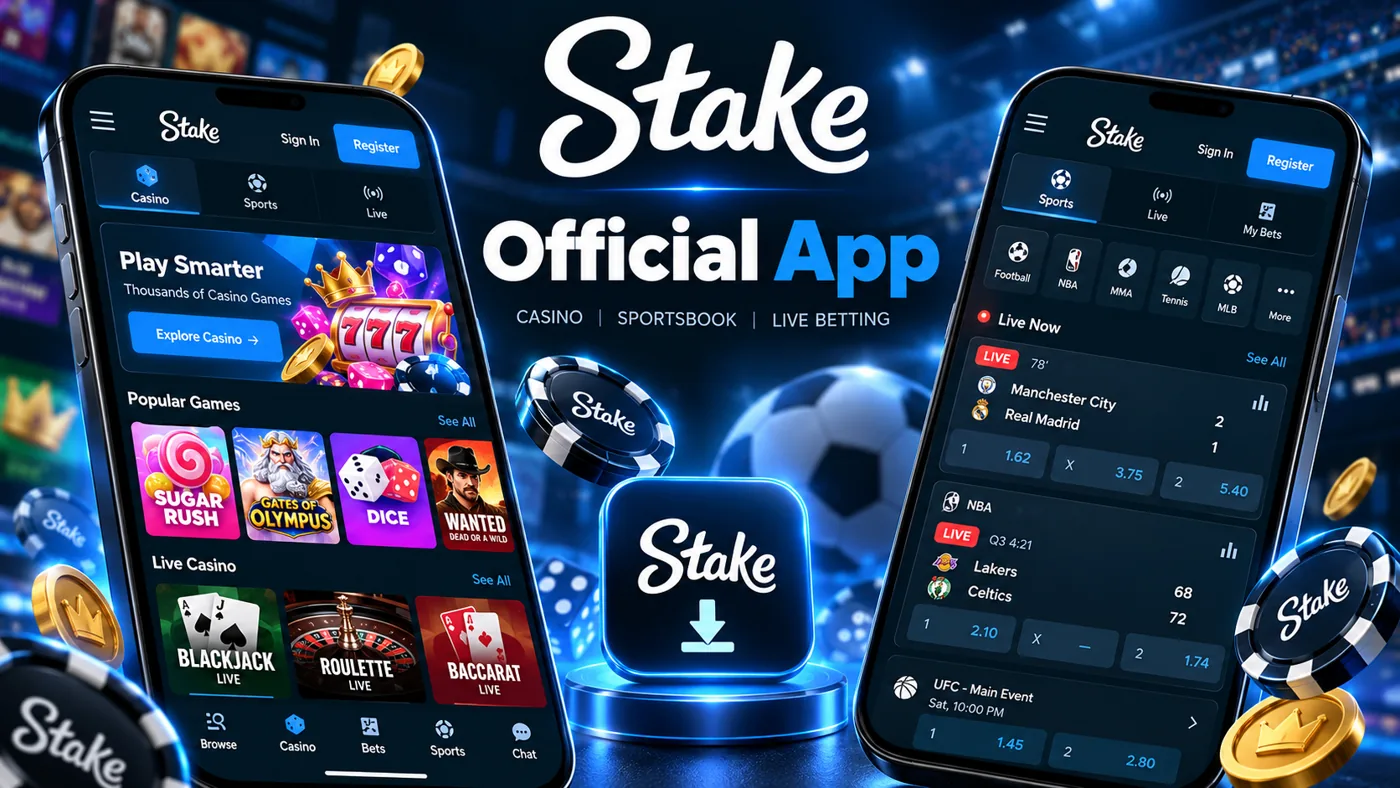
The bottom bar gives one-tap access to Browse, Casino, Bets, Sports and Chat. Originals such as Dice and Plinko are built for touch, with large bet controls and a visible house edge. Slots open in portrait, while most live tables prefer landscape so the dealer stream and betting grid both fit.
The sportsbook is fully usable too: NHL, NBA, CFL and soccer markets, live betting and a bet slip that slides up from the bottom. Account settings, the VIP page and the cashier are all reachable from the profile menu, so there is nothing you must return to a desktop for.
Account Access and Security on the Go
- Sign in through the header button; the same username or email and password work everywhere.
- Keep 2FA enabled. A phone that holds both the session and the authenticator should have a screen lock and biometric unlock.
- Avoid saving the password in a browser you share with others.
- Check the URL before signing in. Phishing sites target mobile users with look-alike pages.
- Use the site's limit and self-exclusion tools if you notice play creeping into every spare minute.
Mobile Questions
We do not claim a store listing for Canada. The reliable way to play on mobile is the website in your browser, which can be saved to your home screen so it opens like an app. Check stake.com directly for any official announcements about native apps.
The Originals, slots, table games, live casino and sportsbook are all available in the mobile browser. Some third-party titles are optimized for landscape mode, so rotating the phone can help.
No download is required. Adding the site to your home screen only creates a shortcut; it does not install software. Be cautious of any APK or installer claiming to be Stake from an unofficial source.
Yes, the cashier works the same way on mobile. Scanning a wallet QR code from the phone is often quicker than copying addresses.
Live tables stream video and need a steady connection. Switch from a weak Wi-Fi signal to mobile data (or the reverse), close background tabs, and keep your browser updated.
Play on Stake From Your Phone
Open the site in your mobile browser, sign up with GETRAKEBACK, and save it to your home screen.